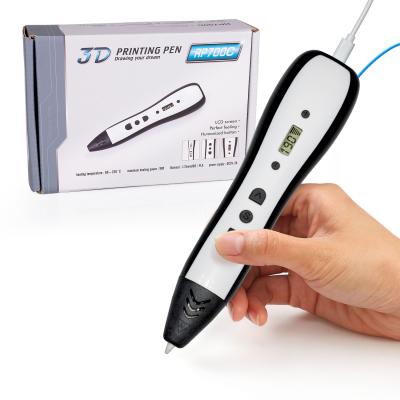
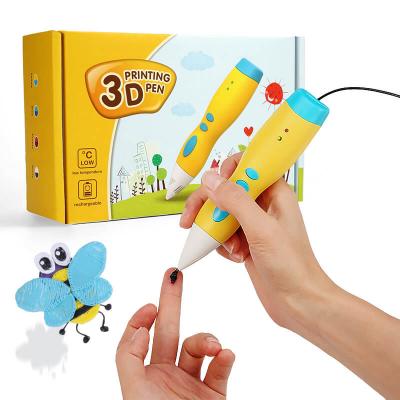
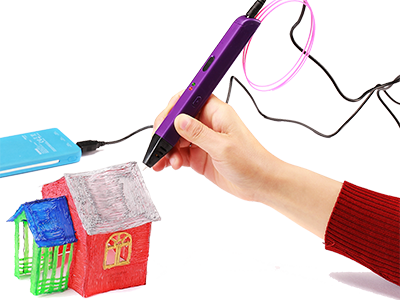
Simple function with LCD screen. Compatible with 1.75mm ABS and PLA filaments.
3D pen cheap price, 2022 review 3d printing for beginners

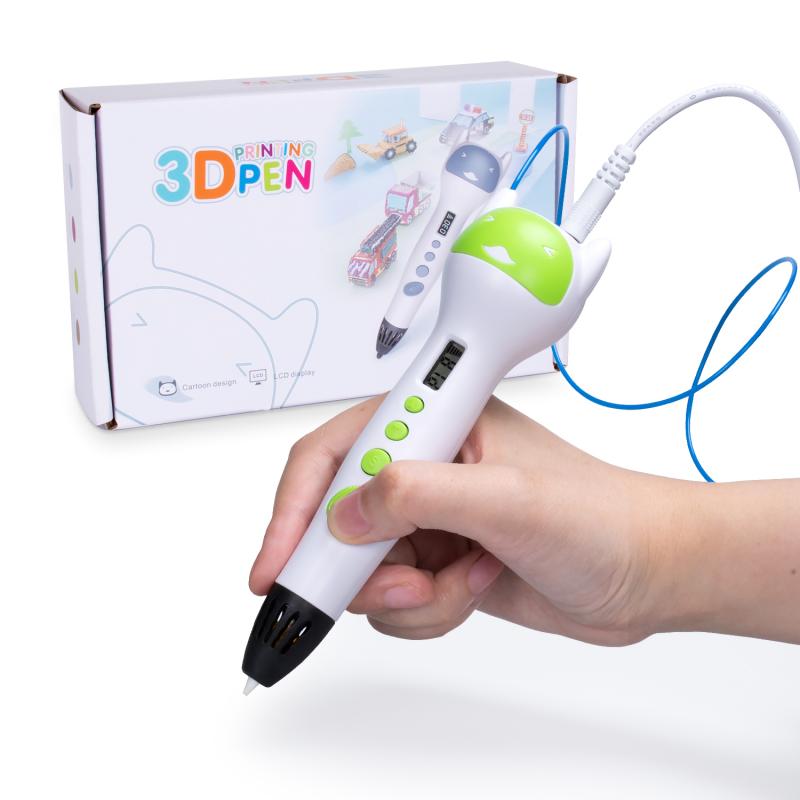
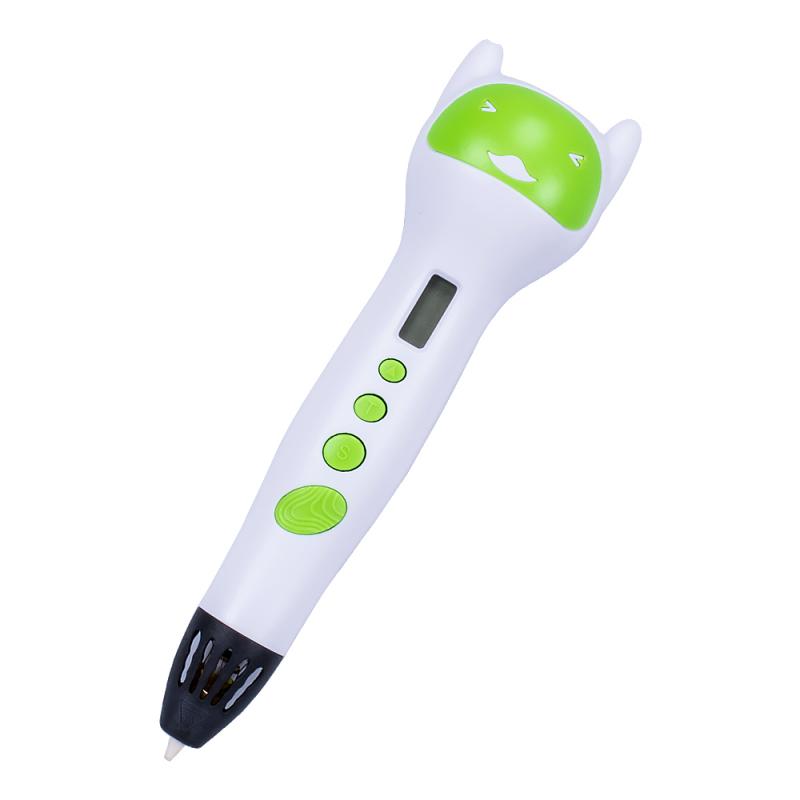
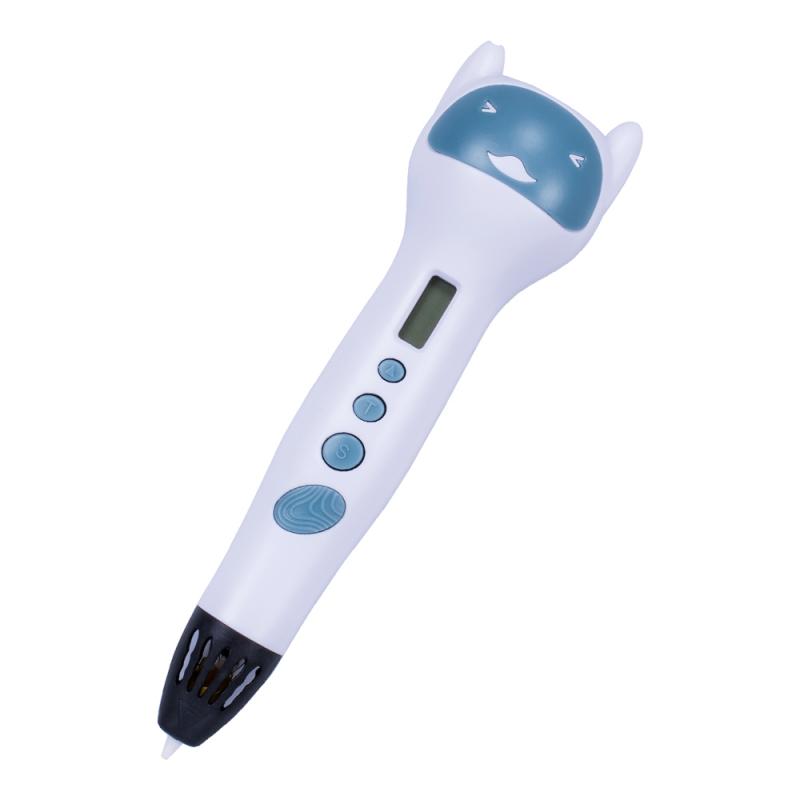
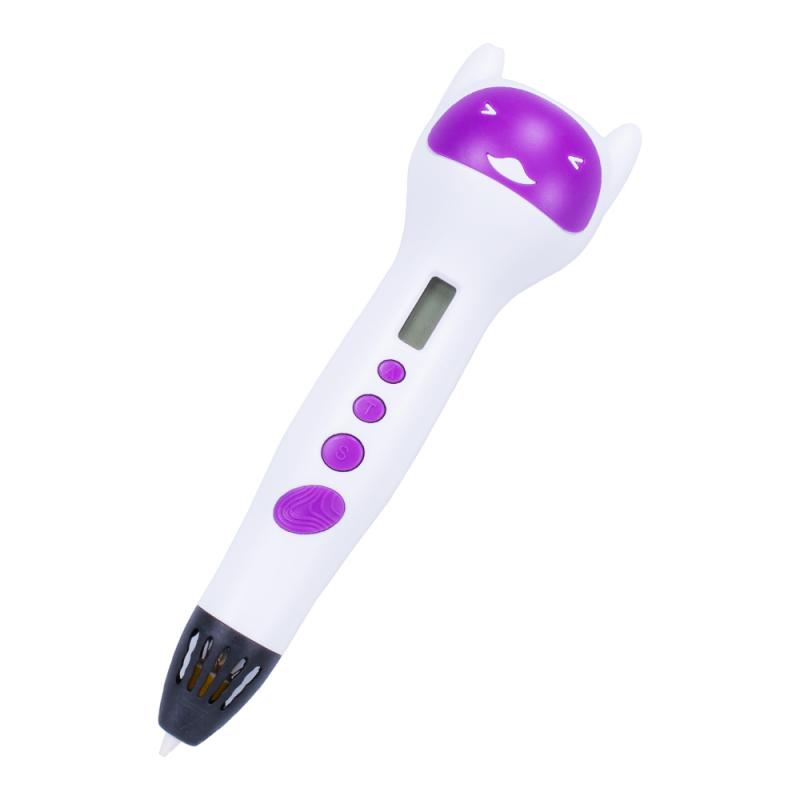
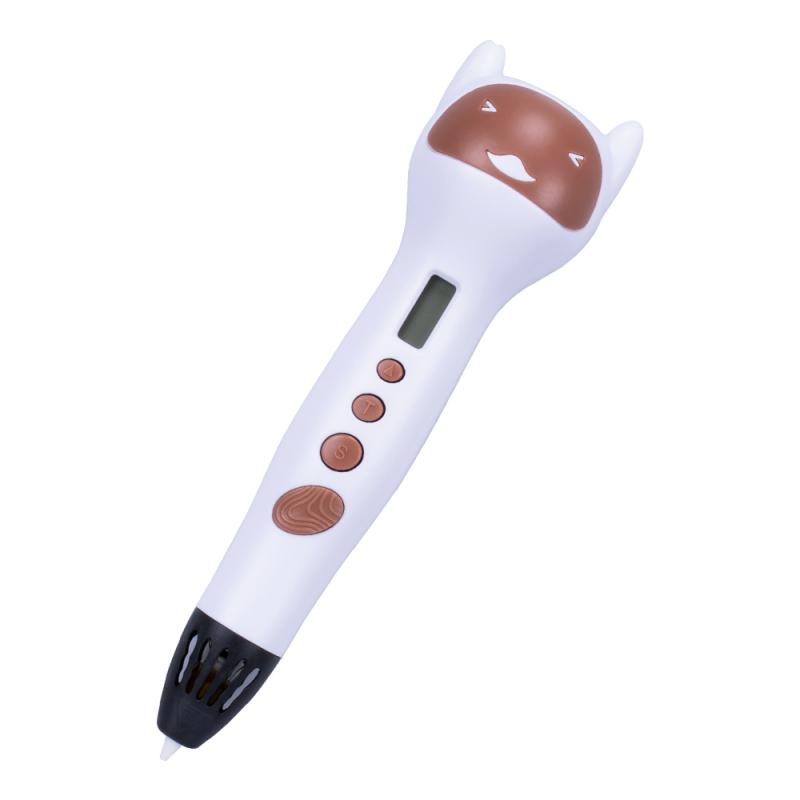
Simple function with LCD screen. Compatible with 1.75mm ABS and PLA filaments.
3D pen cheap price, 2022 review 3d printing for beginners
Item no.:
RP580APayment:
T/T, PayPal, Western UnionPrice range:
100 - 1000/$12Color:
Green/Purple/Coffee/Light blueLead Time:
15-30 daysJER RP580- 3D pen with 1.75mm PLA filament for kids DIY drawing
RP580 is 2022 new-arrived 3D pen with USB power cord, could be powered on by power bank.
Use 1.75mm PLA or ABS filament to create 3D objects
Metal gear box with longer life
LCD screen can show ABS/PLA temperature, easier to operate
Specification
| Product Name | RP580 3D pen | |||||
| Power input | 5V,2A | |||||
| Nozzle diameter | 0.7mm | |||||
| Printing Material: | 1.75mm PLA or ABS filament | |||||
| Temparature | 130-230℃ | |||||
| Speed adjust: | 6 levels | |||||
| Pen size | 155*41*34mm | |||||
| Net weight: | 50g | |||||
| Warranty | 1 year warranty | |||||
| Certification | FCC, ROHS,CE | |||||
| Package: | 3D pen, USB cable, user manual, 3color*3meter PLA filament | |||||
| Packing details: | carton size:505*405*298mm, 40 pcs/ctn, GW:9.5kg | |||||
Product features
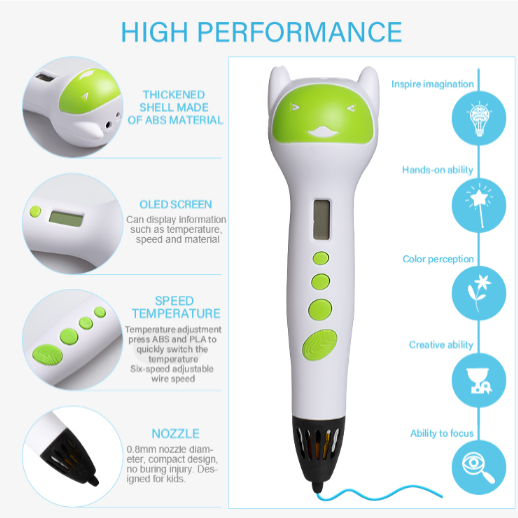
What makes this 3d pen unique?
2022 newly arrived 3D printing pen with adorable design
LCD screen shows ABS/PLA temperature and speed which could be easily adjusted.
Compatible with 1.75mm ABS and PLA filaments.
Metal gear box with longer life
How to use RP580 3D pen?
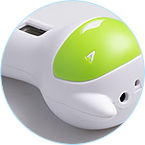 |
Connect AC/DC adapter to AC power socket and 3D pen DC power socket, then the LCD screen is turned on;Set the temperature to match the filament by pressing the temperature button (PLA: 190℃, ABS: 220℃). |
| Press the filament loading button to start heating. LCD screen will show temperature rising up. When it reaches the preset temperature, you can load the filament. | 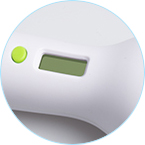 |
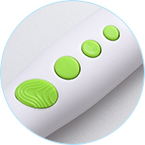 |
Insert the 1.75mm filament into the "filament hole", keep pressing or double click the "loading button", the motor will be initiated to loading the filament. When melted filament comes out of the nozzle, it is ready for drawing.Speed adjustment: Press the speed button to adjust speed if ne cessary (the LCD screen will display the current speed level). |
| Unload filament: Press the unloading button to upload the filament. |  |
Why choose Jer 3d pen?
1.Profession. We have a mature R&D team that specializes in 3D pen design for more than 10 years;
2. Patented high quality accessories, which ensure the stability of our products.
3. OEM/ODM service helps to expand your brand.
4. ISO management system with strict quality control.
5. Global Certifications. CE, FCC, RoHS, EN71, KC, and EN 62115 certified for international compliance.
6. Warranty & Support. One-year warranty with responsive after-sales service.