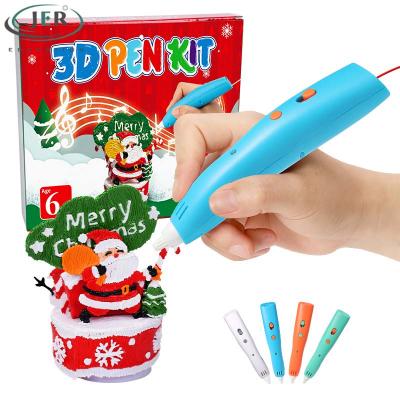
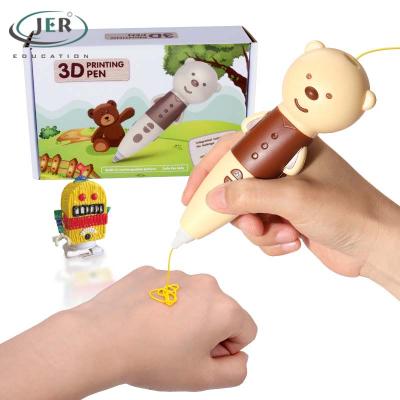
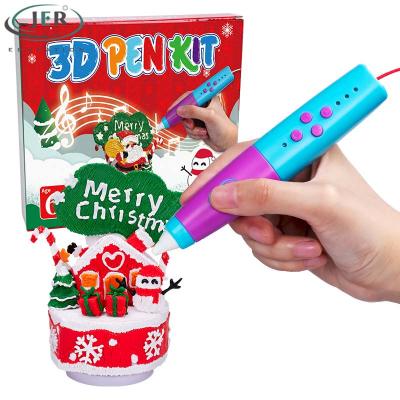
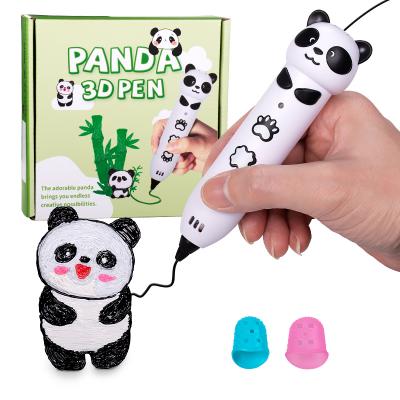
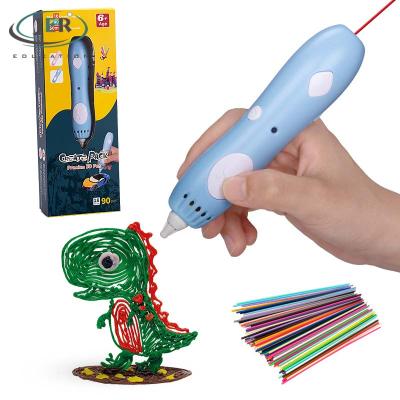
JER LP031S-Cordless low temperature 3D pen for Kids with CE/RoHS certified
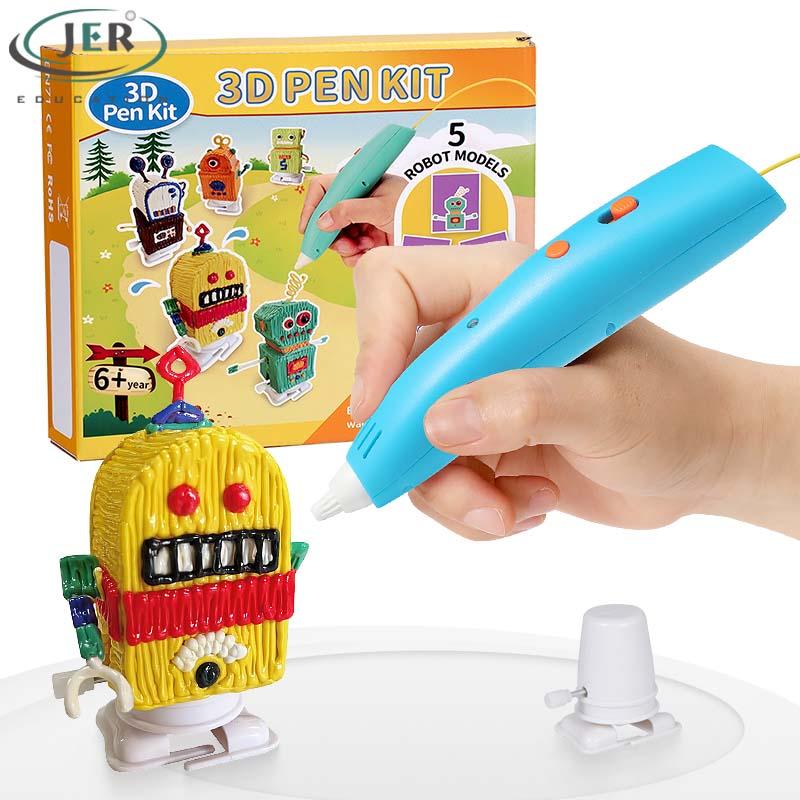
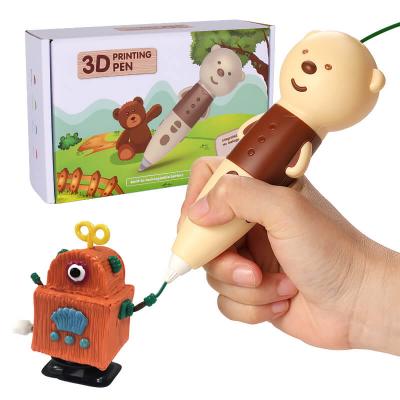
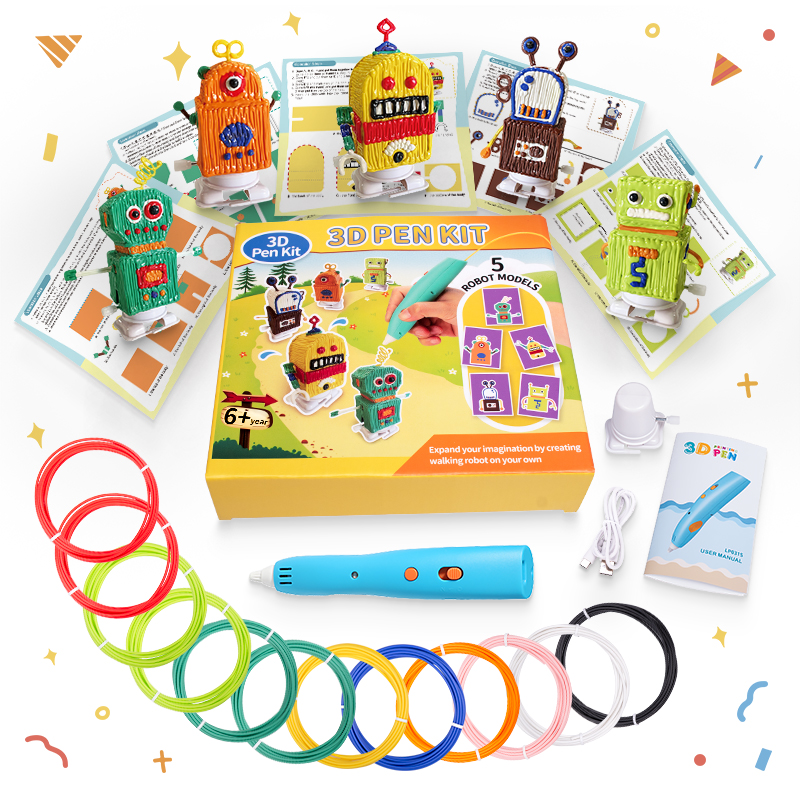
LP031S is a 3D pen kit with a walking robot DIY set – combining drawing with mechanical assembly.
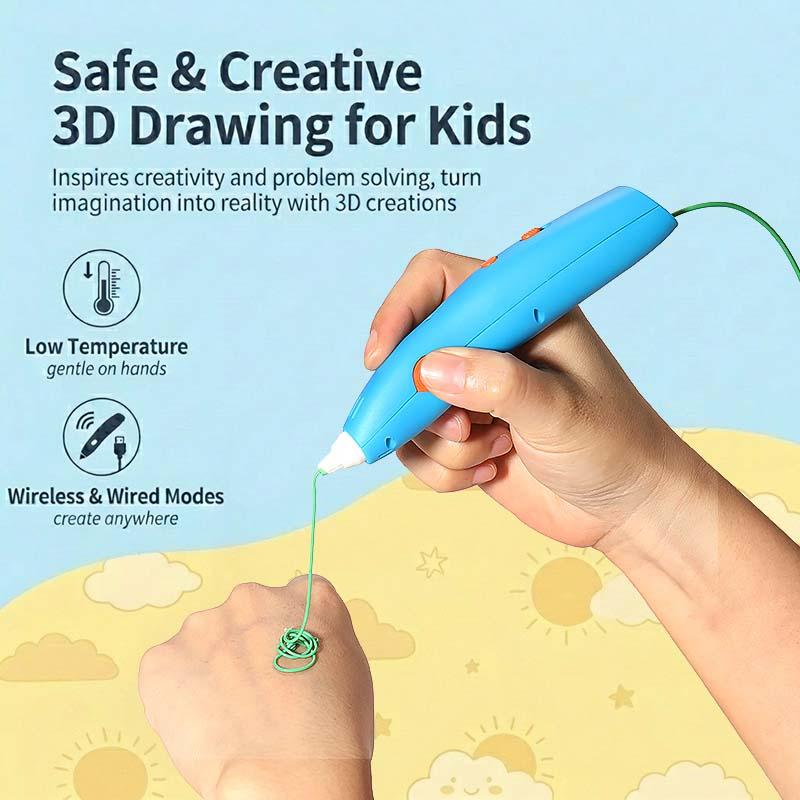
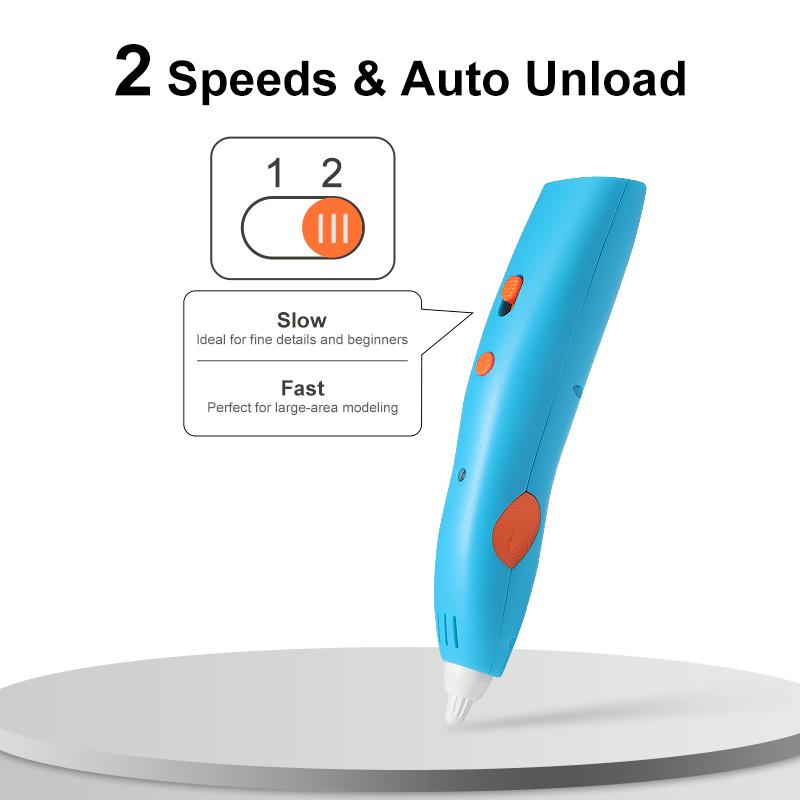
Built‑in rechargeable battery, 2 speed settings with auto unload, and integrated nozzle design to help reduce leakage.
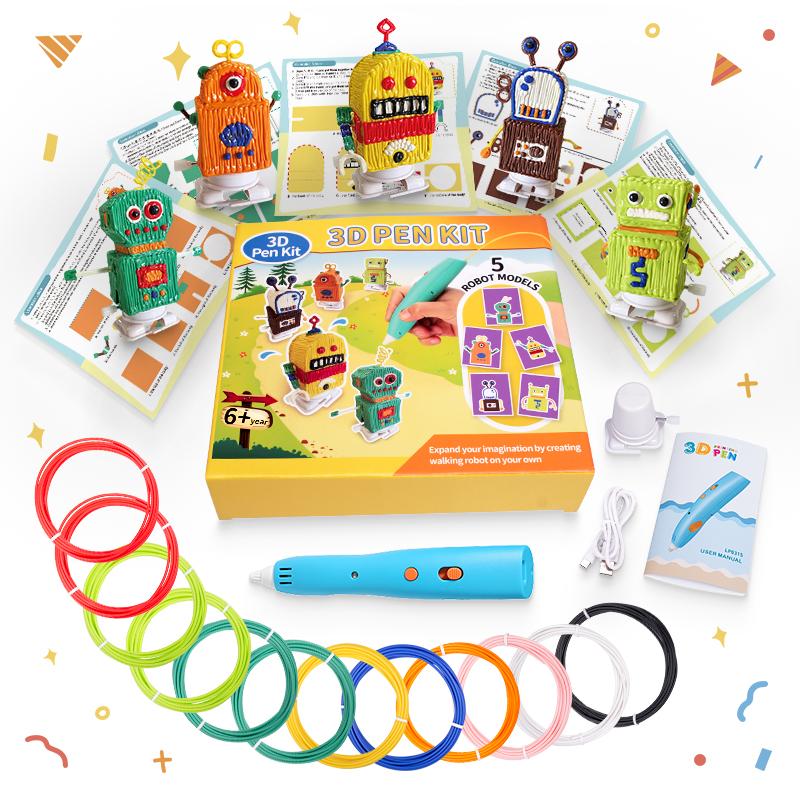
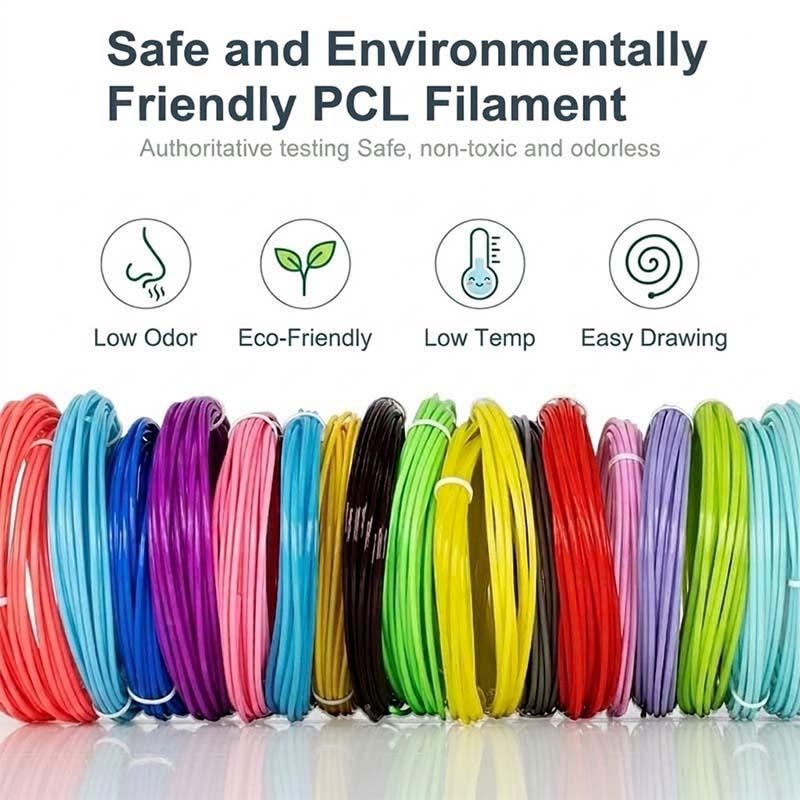
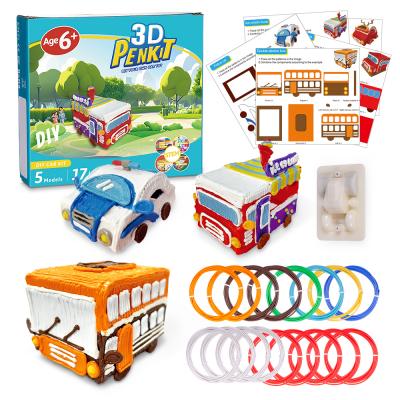
Comes with 5 PCL colors, stencils, pad, and manual.
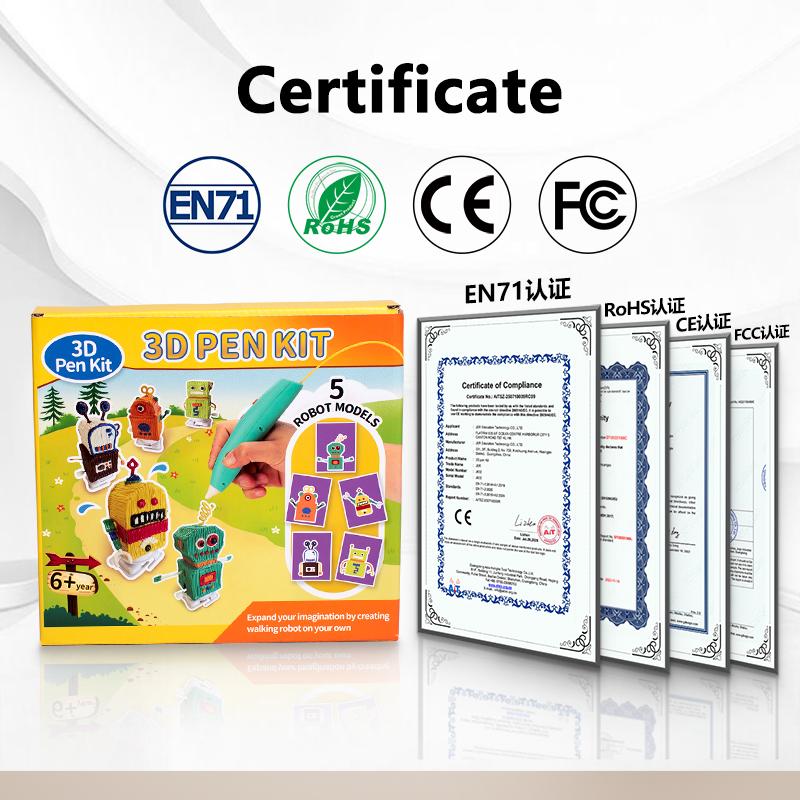
Meets EN71, CE, FC, RoHS, FCC standards – for ages 6+.
Specification
| Product Namev |
LP031S 3D printing pen kit |
| Power supplier: |
10W,5V 2A AC/DC adapter/power bank support |
| Nozzle diameter: |
0.8mm |
| Printing Material: |
1.75mm PCL |
| Temparature: |
unadjustable |
| Speed adjust: |
2 levels adjustable |
| Pen size: |
142*29*26mm |
| Net weight: |
0.35kg |
| Warranty: |
One year warranty |
| Certification: |
CE. EN71. RoHS. FCC |
| Package content: |
3D pen, Type-C cable, Manual, Wind-up robot, PCL, Stencils, PC pad |
| Packing details: |
219 * 51* 201mm 1pcs/box, G.W.:0.35kg |
Product features
How to use RP580 3D pen?
 |
Power supply
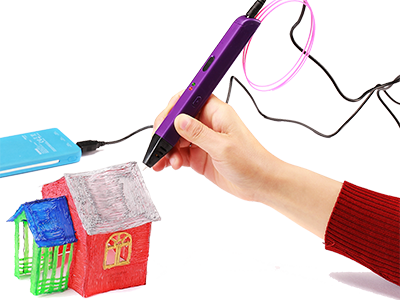
Can be driven by built-in rechargeable Li-Ion polymer battery, power bank or computer USB output; Continuous work for more than an hour
|
|
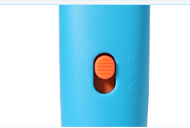
Power button
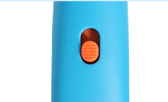
Switch power/speed button to 1 or 2 position, the indicator will flash, and it begins to heat automatically. It's ready to work when it stop flashing
|
 |
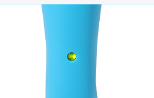 |
Indicator light
Under power off mode, the indicator will turn red consistently during recharging, and it will turn green after fully charged. Under powered on mode, the indicatior will flash fast for three times to remind the recharging has started after connecting the USB cable, then the light will indicate the working status again.
|
|
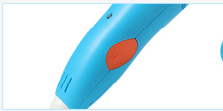
Loading button
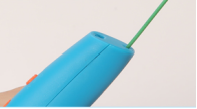
Click loading button once to start feeding when the light stops flashing, and load the PCL into the filament hole until it comes out of the nozzle , and press again to stop.
|
 |
 |
Unloading button
Click unloading button once to remove filament automatically, which takes 15 minutes.It will increase 10° if you keep press the unloading button for 3 seconds and indicator will turn red. (Note: it will be turned off automatically after 5 minutes. )
|
|
Power off
Switch the power/speed button to 0 position to power off the pen, filament will be removed auntomatically.
|
 |
Why choose Jer 3d pen?
1. Profession. We have a mature R&D team that specialized in 3D drawing pen design for more than 10 years;
2. JER has built 4 assembly lines, equipped with lots of sophisticated assemble machines and test devices;
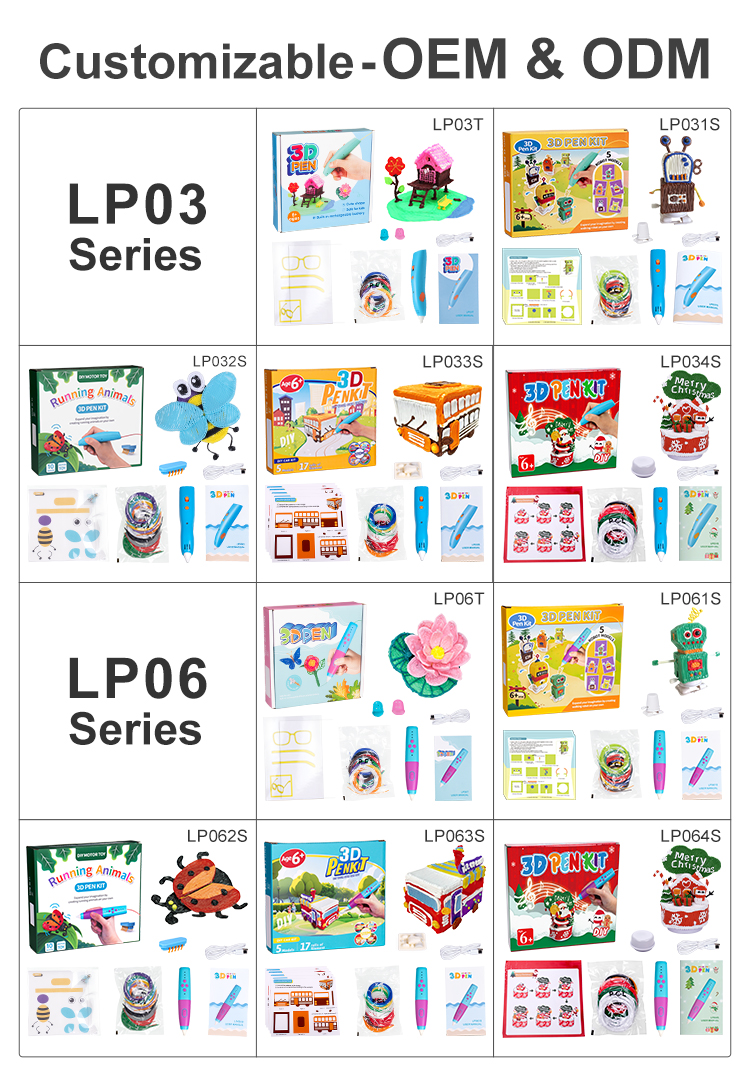
3. OEM/ODM service helps to expand your brand;
4. ISO management system with strict quality control;
5. 3D pen patents and CE, FCC, RoHS certifications;
6. One Year warranty and 7/24 online support.